If this is your first time login,
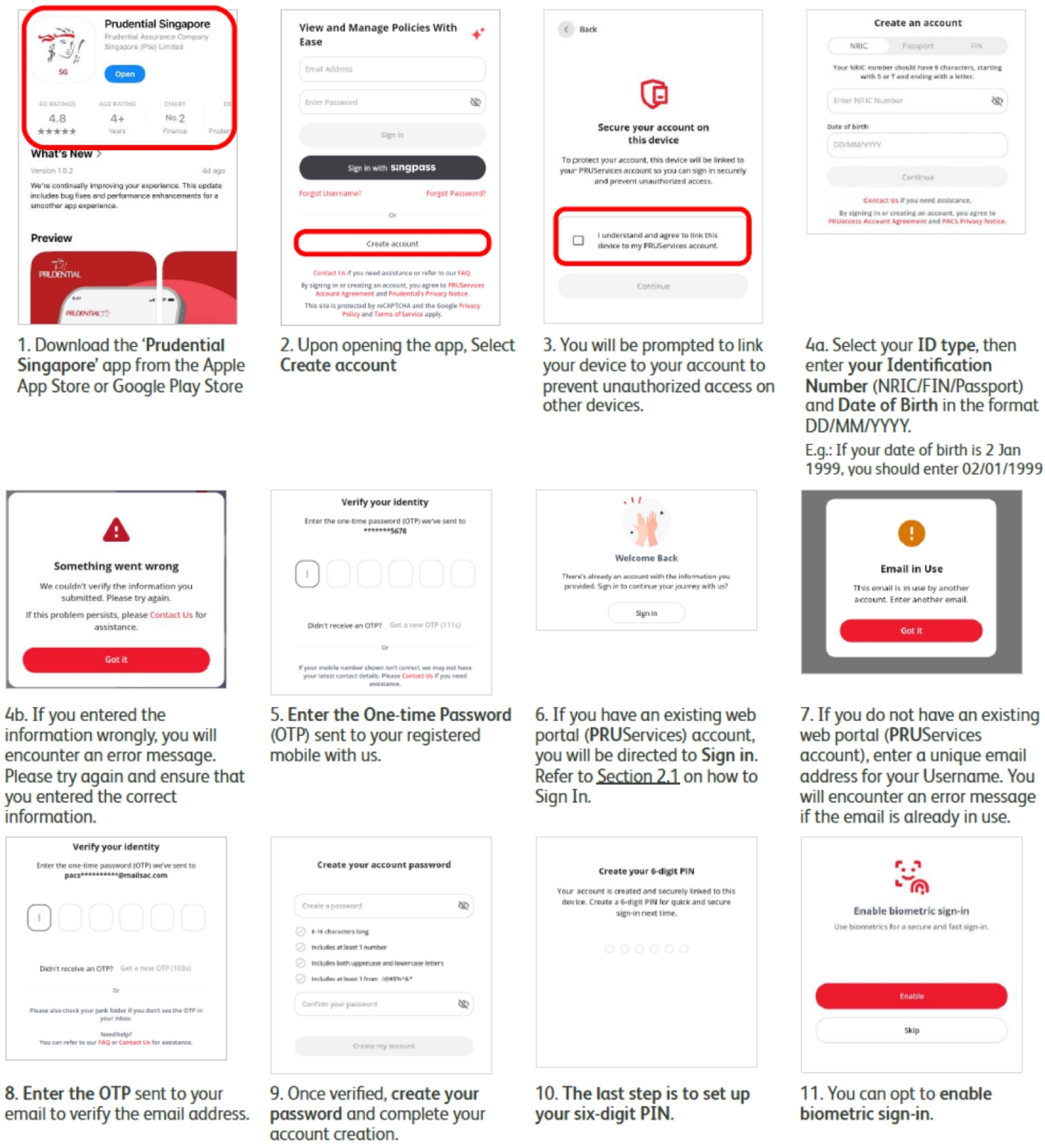
1. Create an account on PRUServices using a unique email. On the login page, click "Create account" to begin.
2. After your account creation, you can then log in with Singpass or email/password.
Note that a valid PRUServices account is required even if you previously have a PRUaccess account.
Managing your policies just got easier.
The Prudential Singapore App makes managing your policies easier in one secure place, thoughtfully designed to give you greater confidence and convenience.
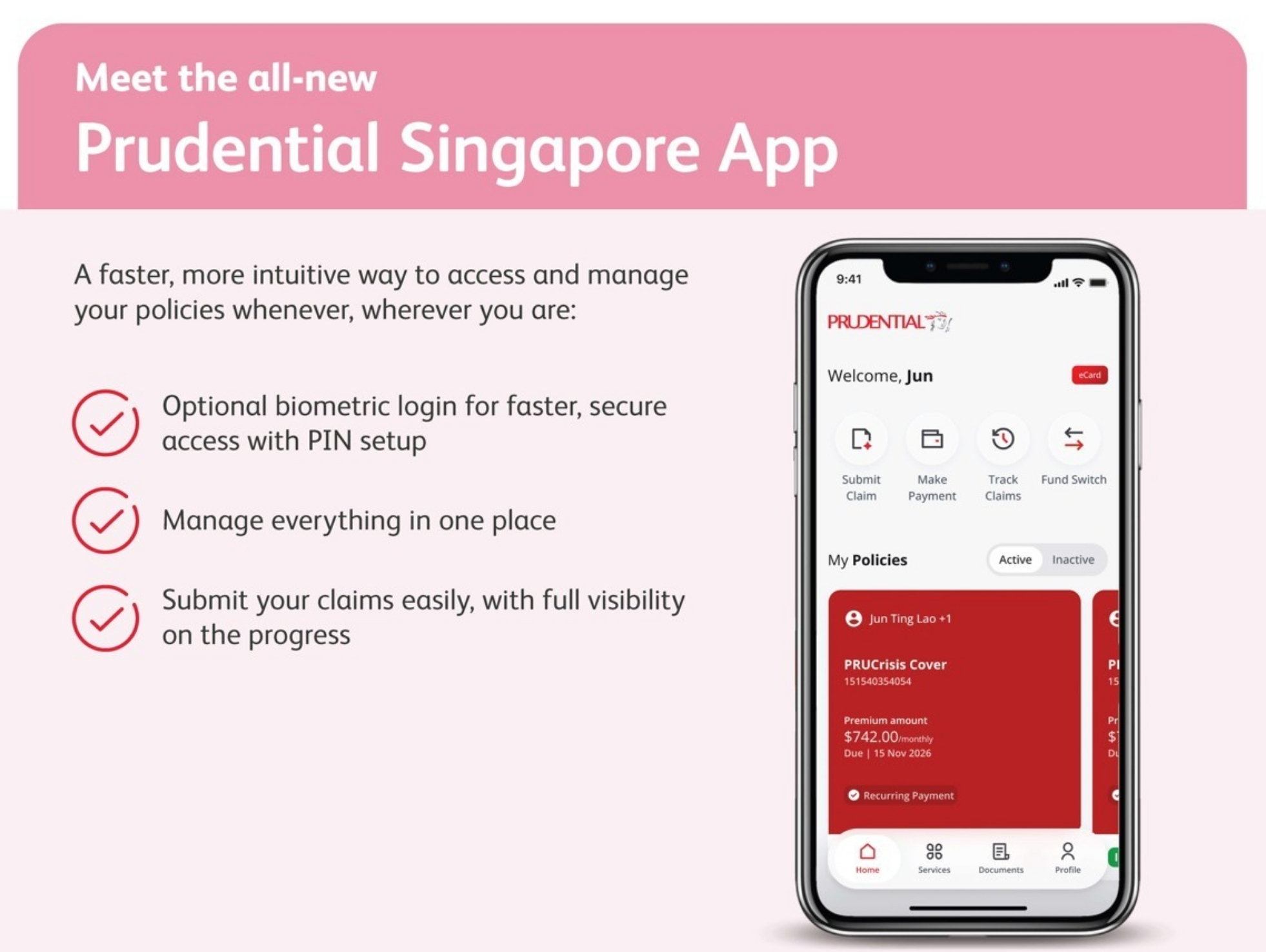
Download the App to get started today



Get acccess to these services anytime and anywhere

Policy Services

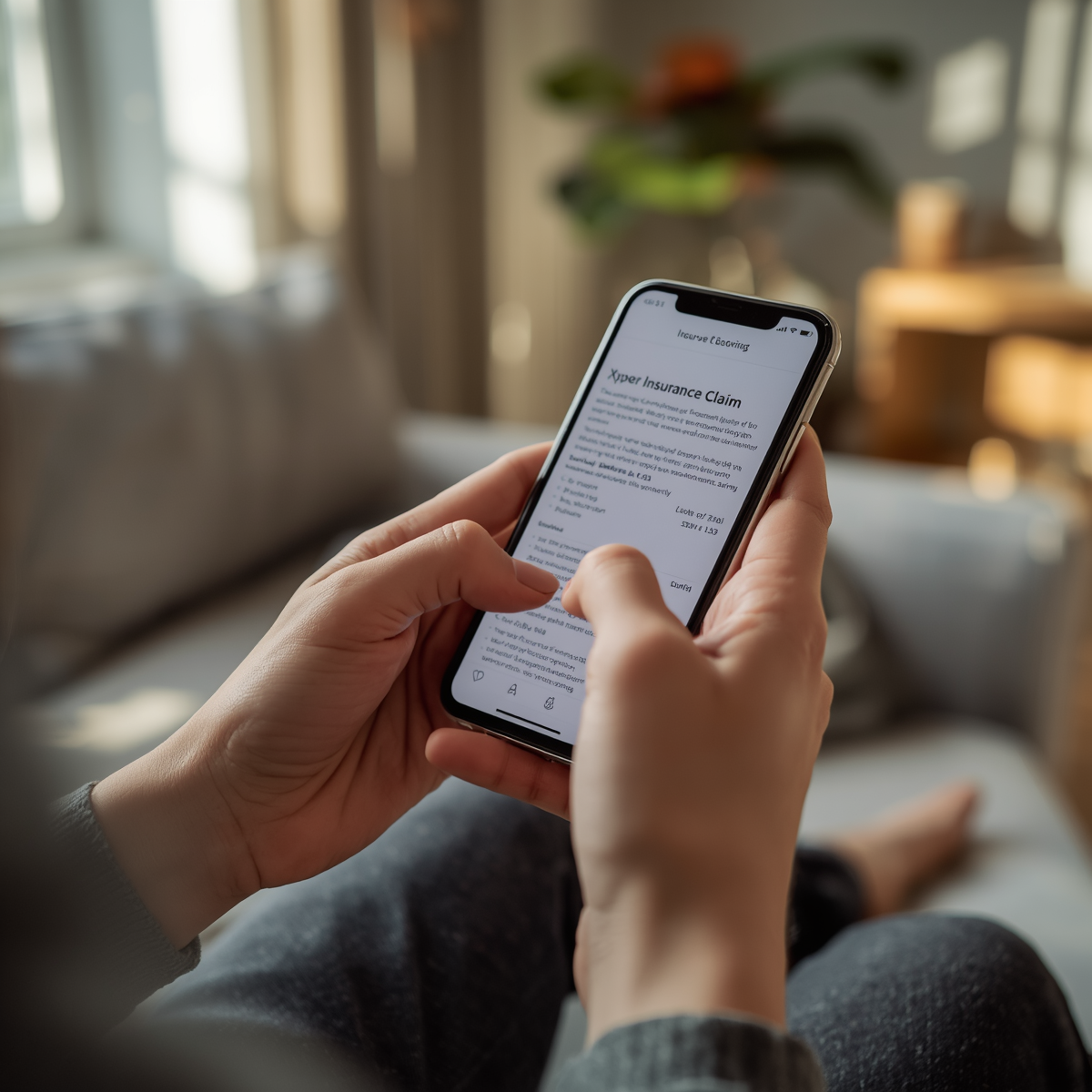
Claims Services
Health Services

Documents
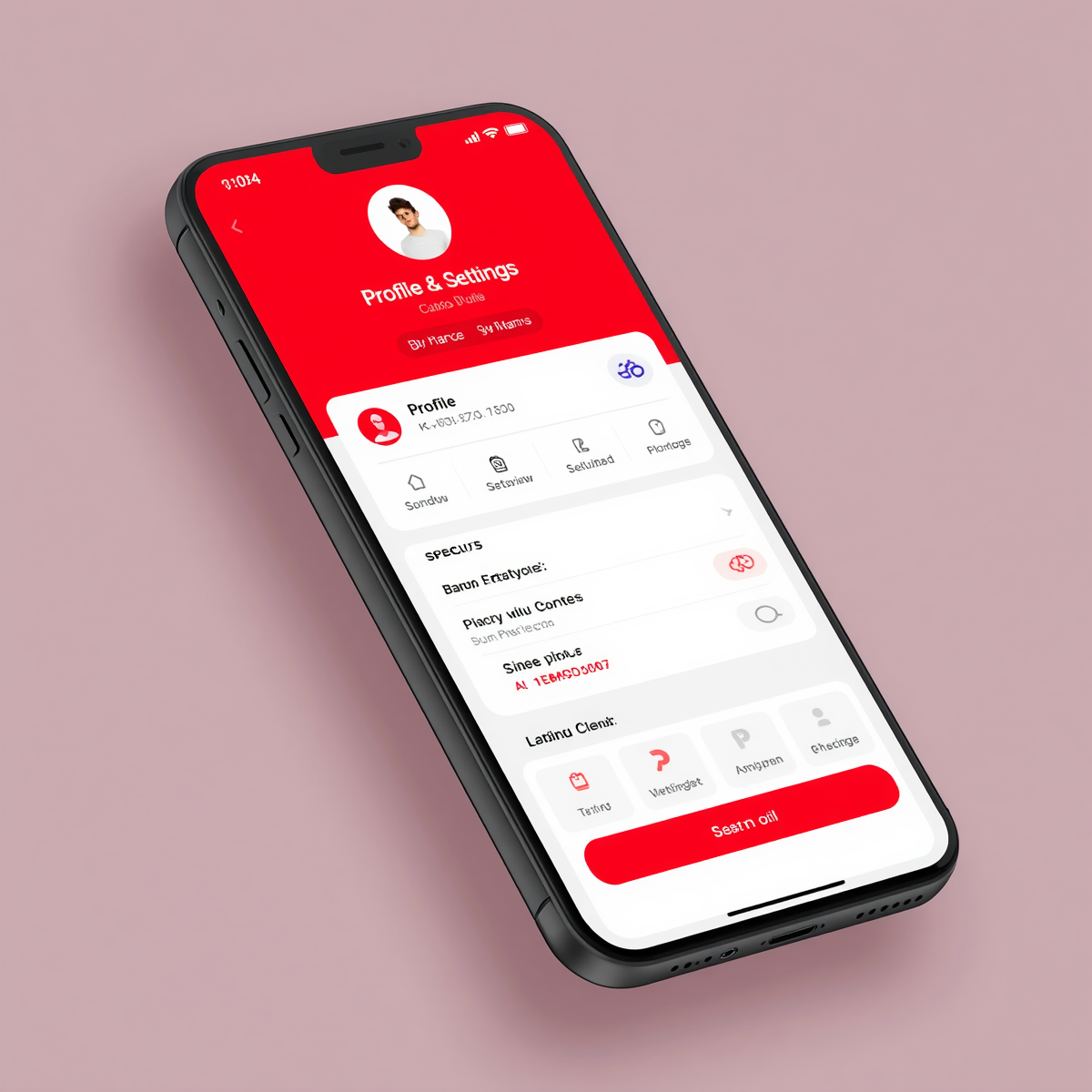
Profile & Settings
Download the App to get started today
Access the same features on PRUServices if you are using the web.
Should you have any questions or having trouble with your account creation, contact us at 1800 333 0333
Mondays to Fridays, 8.30am to 5.30pm (excluding Public Holidays)
Frequently Asked Questions
Find answers to common questions below, or view the full FAQ list.
What is the difference between Prudential Singapore App and PRUServices?
The Prudential Singapore App is an intuitive on-the-go app for digital servicing. PRUServices, which has the same digital servicing features, remains as our web portal for desktop use. The naming convention will be streamlined in the future.
Do I need an account to use the Prudential Singapore App and if so, how do I create one?
If you have an existing web portal (PRUServices) account, simply enter your PRUServices login credentials to start using the app.
If you do not have an existing web portal account and it is your first time logging in after the migration from PRUaccess to PRUServices, you can create an account according to the steps below.
Important: Do not select “Forgot Password”, “Forgot Username”, or “Sign in with Singpass” until your account has been successfully created/verified.
Here are the steps to create/verify your account:
Can I still use the web portal (PRUServices)?
Yes, PRUServices remains available as our web portal for digital policy servicing.
I am based overseas. Can I still use the Prudential Singapore App?
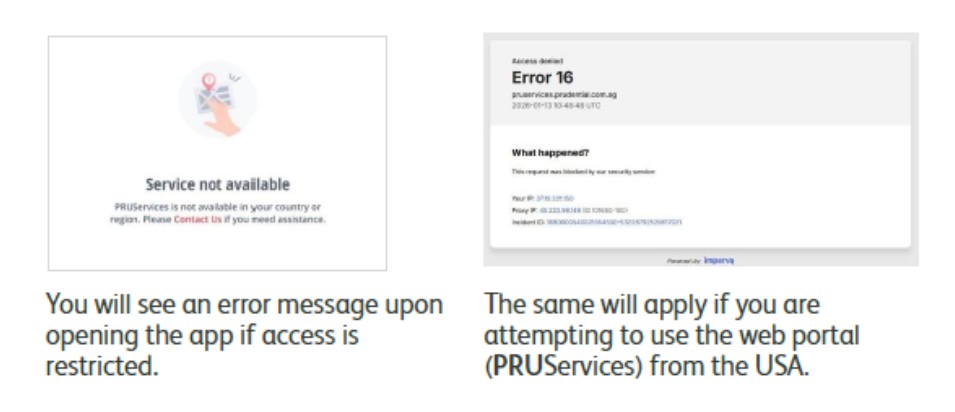
The app is only available in the Singapore region of both the Apple App Store and Google Play Store. If the app does not appear in the search results, your app store region may not be set to Singapore. You can consider using our web portal (PRUServices) for digital self-service.
If you are based in the USA, access of the app will be restricted due to cross border regulatory restrictions.
Alternatively, you may download any of the service request forms here: https://www.prudential.com.sg/claims-and-support/support/customer-forms
I am an owner of a joint policy. Will I be able to see my joint policy information?
If you are the main or joint policyholder, you will be able create an account and view the full details of your joint policy on the app or web portal (PRUServices).
Which products are not supported for fund‑related transactions?
The following products are not available for fund‑related transactions on the app or web portal (PRUServices):
- PRUVantage Wealth II (SGD and USD)
- PRUVantage Assure II (RP)
- PRUVantage Legacy Index
- PRUVantage Legacy Index II (SP)
- PRUVantage Legacy Index Multipay
- PRUVantage Prosper (SGD and USD)
- PRUVantage Wealth III
- PRUUnited Wealth
We are working on enhancements to enable fund-related transactions online for these products in the future.
Will portfolio rebalancing remain available?
Self‑service portfolio rebalancing is no longer be available on the app or web portal (PRUServices).
You can conduct a manual portfolio rebalancing by submitting a Fund Switch or Premium Redirection request on the app or web portal (PRUServices).
You may also contact your servicing Financial Representative to review or rebalance your portfolio. Your Financial Representative can assist you with the recommendation and submission.
Why can’t I submit a claim?
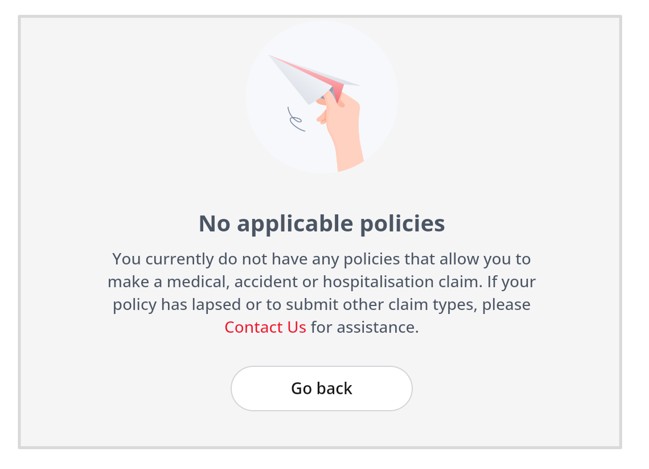
Claim submission on the app or web portal (PRUServices) is only available for selected policies that support online claim filing. You will be able to select these eligible policies directly within the app or web portal (PRUServices).
If you do not see any policies, or do not see the applicable policy listed for claim submission, please contact your servicing Financial Representative, who can assist you with submitting your claim.
Will history of claims submitted on the previous web portal (PRUaccess) be available?
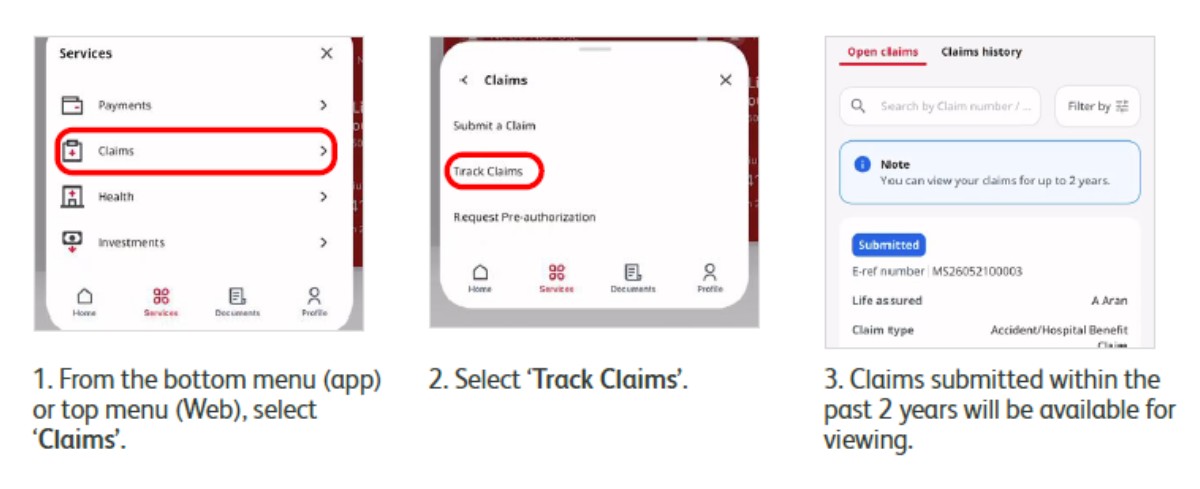
Yes. You can view your past claim submissions, including those submitted on PRUaccess.